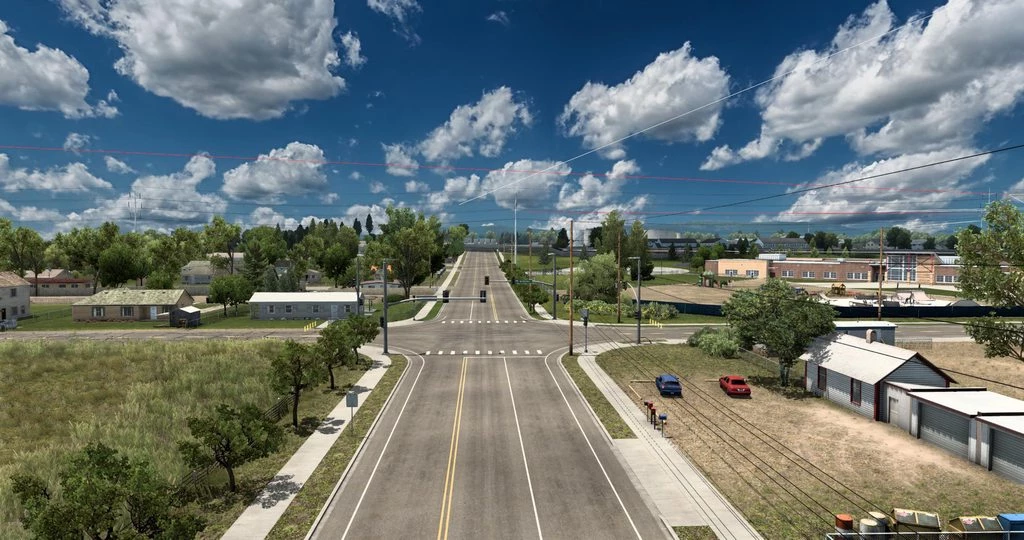
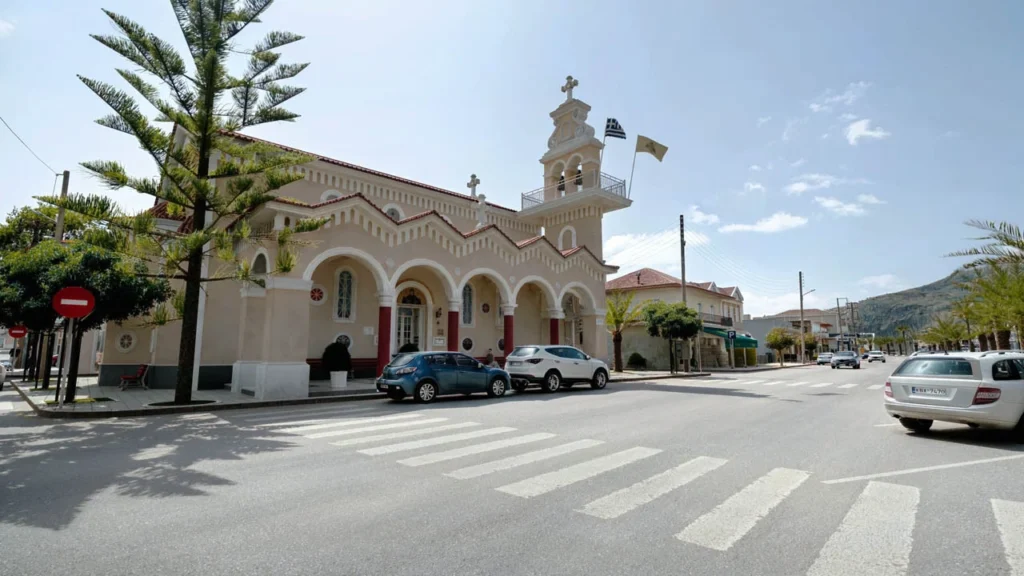
Russian Open Spaces v13.8 (1.57)
Version 13.8:
- Update for 1.57 game version and RusMap 2.57
New cities: Alakurtti, Arzamas 16, Arkhangelsk, Velikovisochnoye, Verkhny Nyud, Vologda, Vorkuta, Vuktyl, Vytegra, Gubkinsky, Izhma, Inta, Kargopol, Kem, Kineshma, Kirov, Kovrov, Kondopoga, Kotala, Kotlas, Krasny Bogatyr, Labytnangi, Louhi, Lyubim, Mirny, Muravlenko, Murmansk, Nadym, Naryan-Mar, Nizhny Novgorod, Novaya Ladoga, Novomoskovsk, Novy Urengoy, Ozerny, Okunev Nos, Onega, Oshta, Plesetsk, Morozov Settlement, Salekhard, Severodvinsk, Severomorsk, Severomorsk 3, Segezha, Sovetsky, Stepanovo, Surgut, Syktyvkar, Tikhvin, Tobolsk, Tosno, Ukolok, Ust-Usa, Ust-Tsilma, Ukhta, Ukholovo, Khanty-Mansiysk, Kharyaginsky, Kholmogory, Khorey-Ver, Cherepovets, Shlisselburg, Yugorsk.
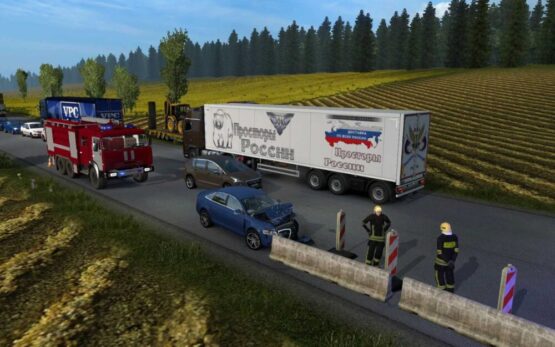
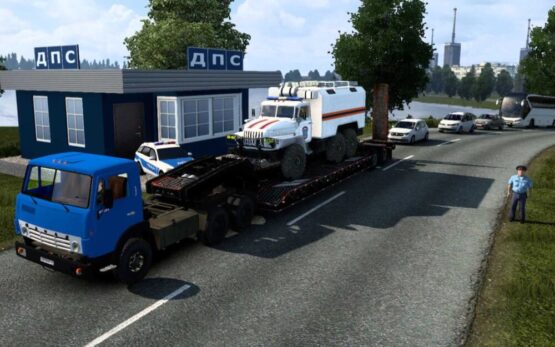
- There is Russian traffic on the roads, including a police car.
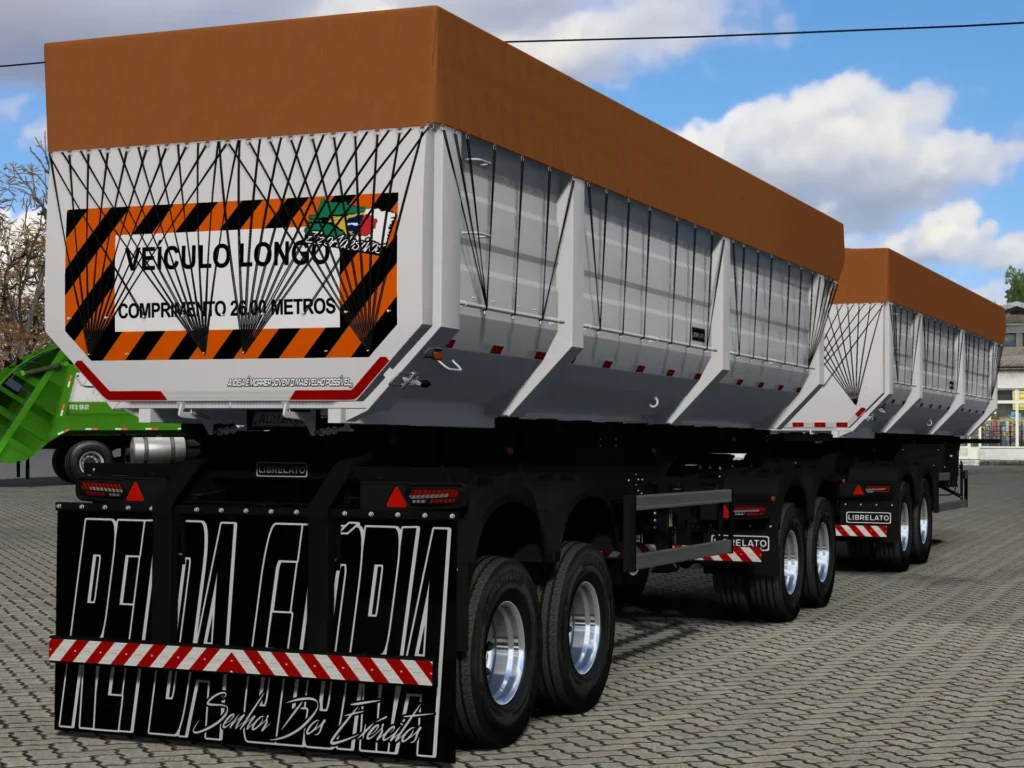
- Movement of military equipment can be seen in the area of military units.
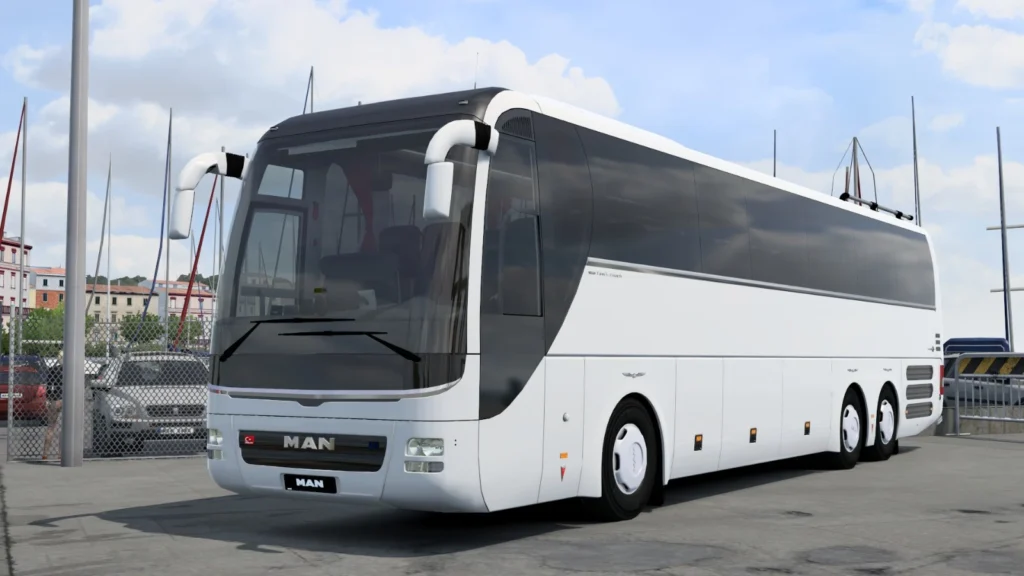
- A convoy of buses can be seen in the traffic.
- There are a lot of Russian companies with new shipments.
- There are a lot of unique models in the locations.
- Everything is optimized and does not affect the performance of the game.
- DLC “Scandinavia” DLC “France” and DLC Italy and Baltic are not required.
- [email protected]
- Euro Truck Simulator 2
- 1.57
-

-
MOROZOV (Pavel)
- https://mods.to/PGv9692456960b486
-
This content was uploaded by visitors. If you notice anything wrong, please let us know. Report Issue
-
First download your mod file. If the file is a .zip or .rar, you will need to extract the .scs file using WinRAR or 7-Zip into the following location on your PC:
- For ETS2:
Documents/Euro Truck Simulator 2/mod - For ATS:
Documents/American Truck Simulator/mod
Once the .scs file is placed in mod folder, open the game, go to the Mod Manager, and activate the mod.
See the full guideline... - For ETS2: