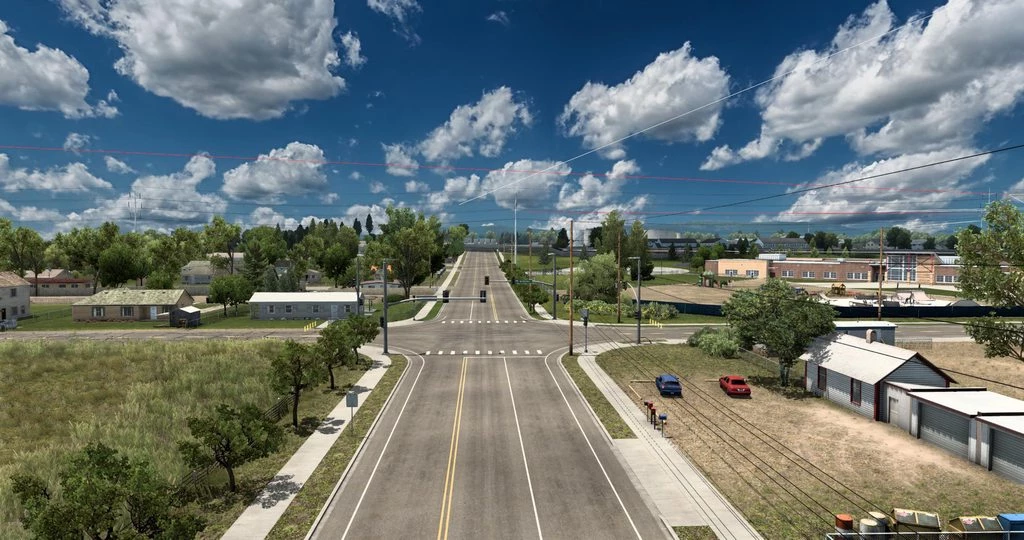
Snowy Moon v10.2.0
High quality and high performance time antialiasing (TAA) solution has been implemented, as well as DLSS/DLAA support for NVIDIA GPUs. Shadow and SSA O improvements Settings: Press the “END”or”CTRL+P” key to open the game menu.TAA Clarity-reduce TAA blur * TAA Clarity is designed for people who want to get less blurry and clearer results, close to the result without smoothing, for example, for VR users. Sharpen Edges-adjust the sharpness for a ligned edges when usingTAAClarity/+.TAA level-The higher, the smoother FXAA is the 2nd smoothing method to improve edges T.Shadow-Prevents shadows from flickering Use with ReShade You can use this method with any other mod/plugin using dxgi.dll.
- [email protected]
- Euro Truck Simulator 2
- 1.57
-
Snowy Moon
- https://www.ets2world.com/snowy-moon-v10-2-0-ets2/
-
This content was uploaded by visitors. If you notice anything wrong, please let us know. Report Issue
-
First download your mod file. If the file is a .zip or .rar, you will need to extract the .scs file using WinRAR or 7-Zip into the following location on your PC:
- For ETS2:
Documents/Euro Truck Simulator 2/mod - For ATS:
Documents/American Truck Simulator/mod
Once the .scs file is placed in mod folder, open the game, go to the Mod Manager, and activate the mod.
See the full guideline... - For ETS2: